Today I finally got around to setting up an exocore. I had way more trouble than you’d think and it wasn’t even my own doing. When I tried following the tutorial and edited various things like exocore/data/user.yml, none of the changes would be reflected in the site.
Since the exocore package hasn’t been updated in a while and Charlie said that it was “on hold”, I figured that maybe some default configurations I had to change weren’t in the tutorial
- especially when you consider that the link to the tutorial isn’t correct anymore on some pages(!) -
and spent hours opening configs and scanning them for anything suspicious, constantly opening the same ones after I’ve checked everything, like when you open an empty fridge over and over, because the result doesn’t satisfy you. I was going insane.
I even went as far as searching for other exocores on github to compare the settings and ended up forking a customized one when I finally found the issue.
It was none of my config files, settings, or anything of that sort. Netlify simply failed building the site every single time ever since I opened Obsidian for the first time. The reason? Obsidian created an empty note with a faulty date which apparently is reason enough to break the entire site. Awesome.
However, now everything works perfectly fine and I am quite happy about it, especially after I found this great “heaven“-theme in styles.scss.
The only thing worth complaining now, is the fact that my provider of choice does not offer any option to set the nameserver of a subdomain, so as of writing this you will still see that rather ugly .netlify.app domain instead of core.sevensevenseven.net.
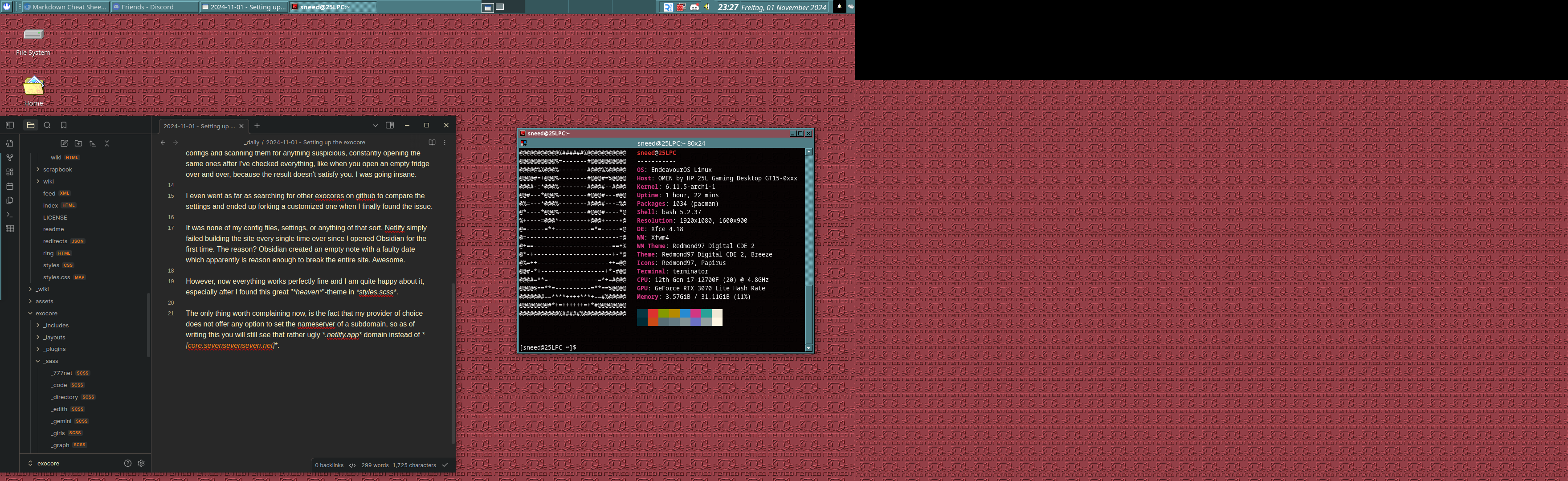
Also I ended up customizing my OS for fun. Have a look if you want.